Category: 3D Printing Tips
-
Brims, Rafts and Temperature Towers: Getting Tricky Filaments to Print Right
When Filament Fights Back Some filaments behave. Others curl at the corners, ooze between moves, or refuse to stick no matter how clean the bed is. The good news? Most print problems aren’t mysterious hardware failures — they’re simply the result of missing a few key best practices. By mastering a handful of proven tips,…
-
Your Printer’s Environment Matters: How Temperature, Humidity and Vibration Affect Prints
Your Garage Is Part of Your Printer Your printer doesn’t live in a lab — it lives in a garage, a spare room, or a corner of the office, and that room affects every print. Get that room under control, and a handful of proven tips can dramatically improve surface finish, dimensional accuracy, and overall…
-
Beat Warping for Good: Bed Adhesion, Filament Care and Extruder Calibration
The Corner-Lift Problem Few things are as deflating as watching a corner of your print slowly peel off the bed halfway through a long job. And you don’t need a Ph.D. in engineering to get consistent, high-quality results. By tweaking a few settings, optimizing your workflow, and adopting a few best-practice habits, you can dramatically…
-
Printer Maintenance and Post-Processing: Small Habits That Save Money and Improve Prints
Maintenance Is Cheaper Than Failed Prints Most failed prints don’t come from bad luck — they come from a skipped cleaning, a loose belt, or a worn nozzle. A little routine care goes a long way, and a handful of proven strategies can turn those misprints into flawless parts, faster and with less waste. In…
-
A Beginner’s Guide to 3D Printing Filaments, Settings and Bed Adhesion
So You Just Unboxed a 3D Printer You’ve just unboxed that sleek new 3D printer, loaded the filament, and watched the nozzle heat up. The first layer starts to glide across the build plate, and — boom — the print warps, blobs, or stops mid-layer. Frustrating, right? You’re not alone. According to recent surveys, more…
-
PLA, PETG or ABS? Matching Filament to the Job, Plus Printer Prep and Nozzle Care
Pick the Right Plastic Choosing between PLA, PETG and ABS can feel like guesswork, and when the first layer wobbles or the walls split, the material is often the culprit. Fortunately, most of those mishaps aren’t caused by faulty hardware — they’re the result of small, avoidable oversights. In this post, we’ll walk you through…
-
Before You Hit Print: Mesh Cleanup, Part Orientation and Wall Thickness
Most Failed Prints Start in the File Plenty of print failures are decided before the nozzle ever heats up — in the mesh, the orientation, or a wall that’s too thin to print. Catch them early, and a handful of practical 3D printing tips can turn those frustrating failures into flawless prints — without needing…
-
Supports, Cooling and First Layers: A Practical Slicer Guide from Beginner to Pro
The Settings Between You and a Perfect Print Supports, cooling and the first layer quietly decide whether a print comes out right on the first try. Whether you’re printing a functional bracket, a detailed figurine, or a prototype for a product, the difference between a failed print and a flawless masterpiece often boils down to…
-
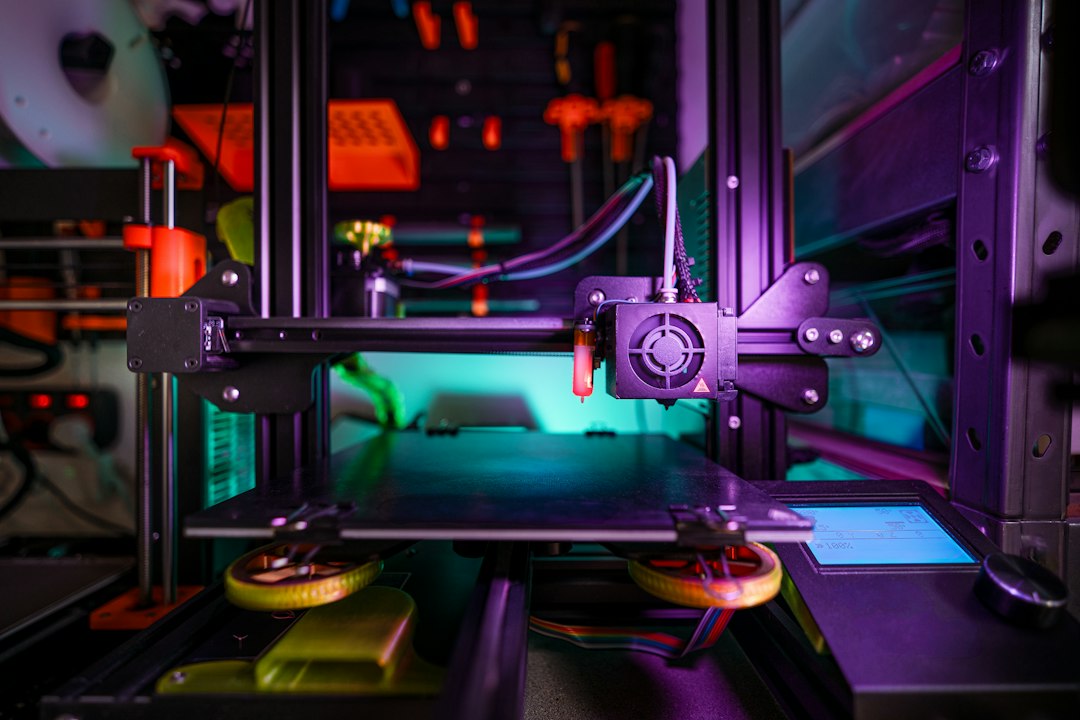
Dry Your Filament, Slice Smarter: A Workflow for Fewer Failed Prints
From Spool to Finished Print Imagine watching a complex, colorful model rise layer by layer from a humble spool of filament, the printer humming like a well-tuned orchestra. For many hobbyists and professionals, that moment is pure magic — but only when the print comes out flawless, not warped, stringy, or riddled with gaps. Whether…
-

Taming Stringing and Under-Extrusion: Flow Rate, Retraction and Temperature Tuning
Hair, Gaps and Blobs Thin hairs between parts, gaps in the walls, little blobs where the nozzle paused — stringing and under-extrusion leave clues all over a print. The good news? Most of those problems can be solved with a handful of practical, easy-to-implement tweaks. In this guide, we’ll walk through 7 essential 3D printing…
-
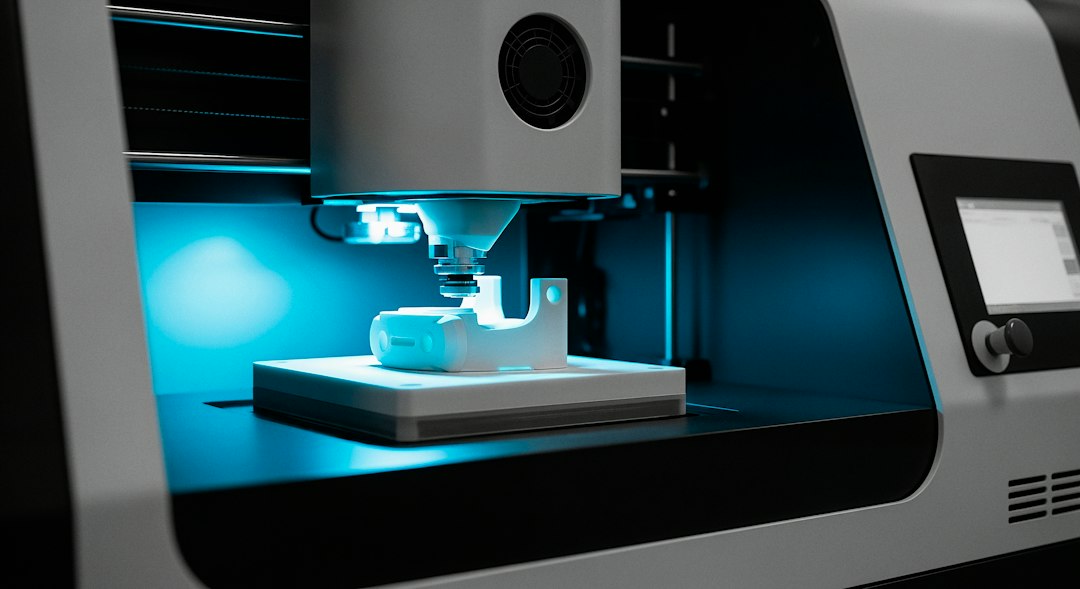
Coasting, Wipe and Adaptive Layers: Slicer Features Most Makers Never Turn On
Hidden Slicer Settings Worth Turning On Most makers set up their slicer once and never open the advanced settings again — and that’s where some of the best fixes are hiding. Even better, most print problems aren’t caused by faulty hardware — they’re the result of small, easily-fixable oversights in preparation, settings, and post-processing. Think…
-
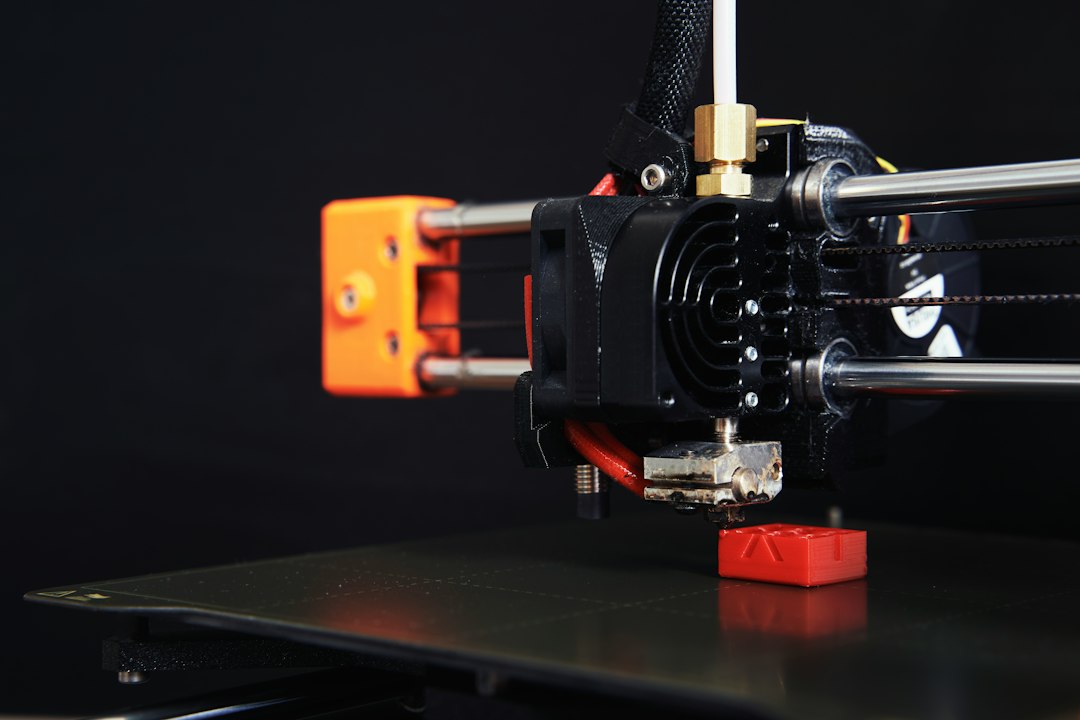
Can You Trust Auto Bed Leveling? A Calibration Checklist (and Why Wet Filament Ruins Prints)
Trust, but Verify Your Bed Leveling Auto bed leveling promises a perfect first layer at the press of a button, but the probe can only work with the bed you give it. Whether you’re a hobbyist printing decorative figurines, an engineer prototyping functional parts, or a small-business owner producing low-volume inventory, the same core challenges…